 MailCode
Years of mail, on your own disk.
MailCode
Years of mail, on your own disk.
MailCode
Years of mail, on your own disk.
MailCode
Years of mail, on your own disk.
Tips › Attachments
A winmail.dat attachment is Outlook’s wrapper around the real
files — sent when Outlook writes a message in Rich Text and the recipient is not on
Outlook. Apple Mail shows it as a file nothing can open. MailCode unpacks it.
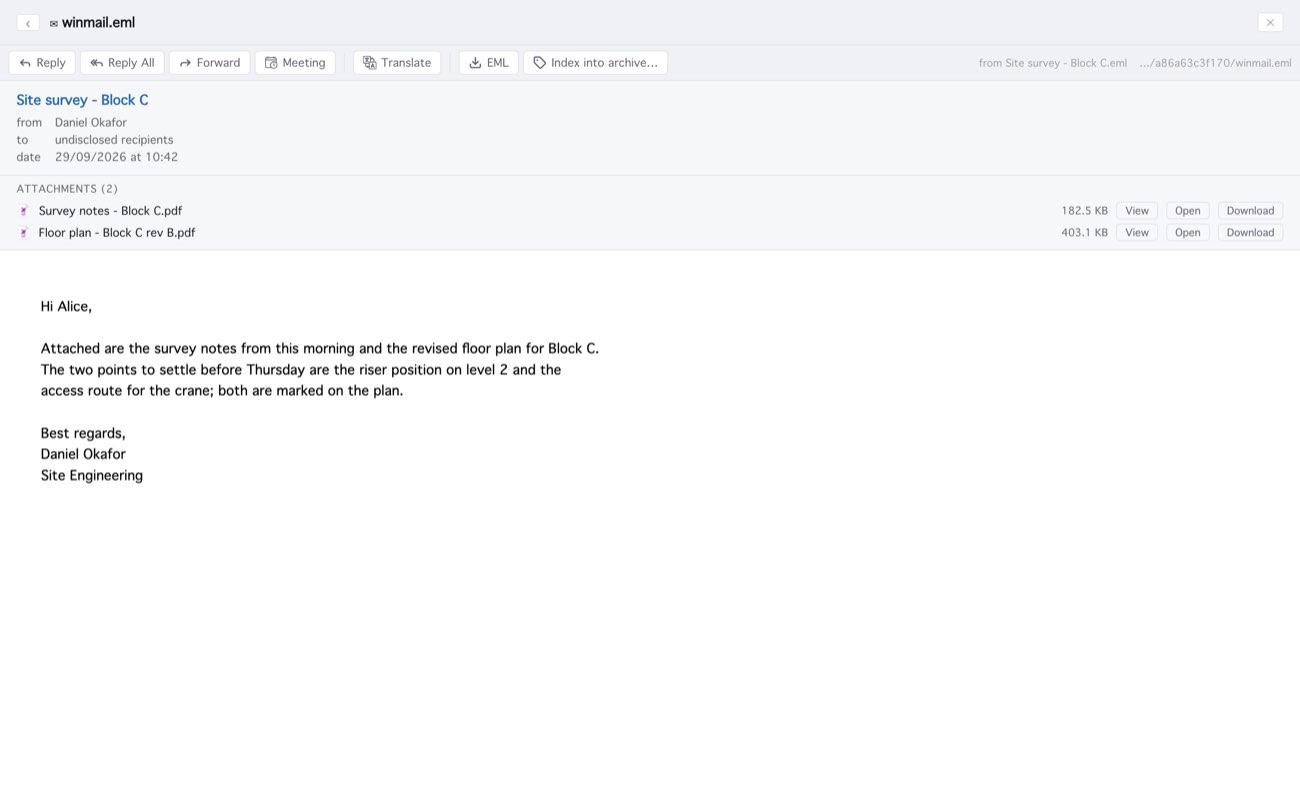
It works the same for a winmail.dat inside an .eml or
.msg file you open from Finder; a winmail.dat saved on its own cannot be
opened directly, so open the message it came in. The text of a Rich Text message comes
across without its formatting, and its To line reads “undisclosed recipients”, because
winmail.dat does not carry them. If you are the one sending them: in Outlook, set
messages to HTML under File ▸ Options ▸ Mail.
MailCode is a mail client for Mac and Windows that keeps your mail in a searchable archive on your own disk. Free for 14 days.
Mac App Store Download for Windows