 MailCode
Years of mail, on your own disk.
MailCode
Years of mail, on your own disk.
MailCode
Years of mail, on your own disk.
MailCode
Years of mail, on your own disk.
Tips › Import
A PST locks your mail inside one Outlook file. MailCode for Windows turns it into one
.eml file per message, in folders that mirror the PST’s own — files any mail app
opens — and keeps them searchable at the same time.
DDMMYYYY_Subject.eml — the date it
arrived, then its subject — under folders named like the PST’s.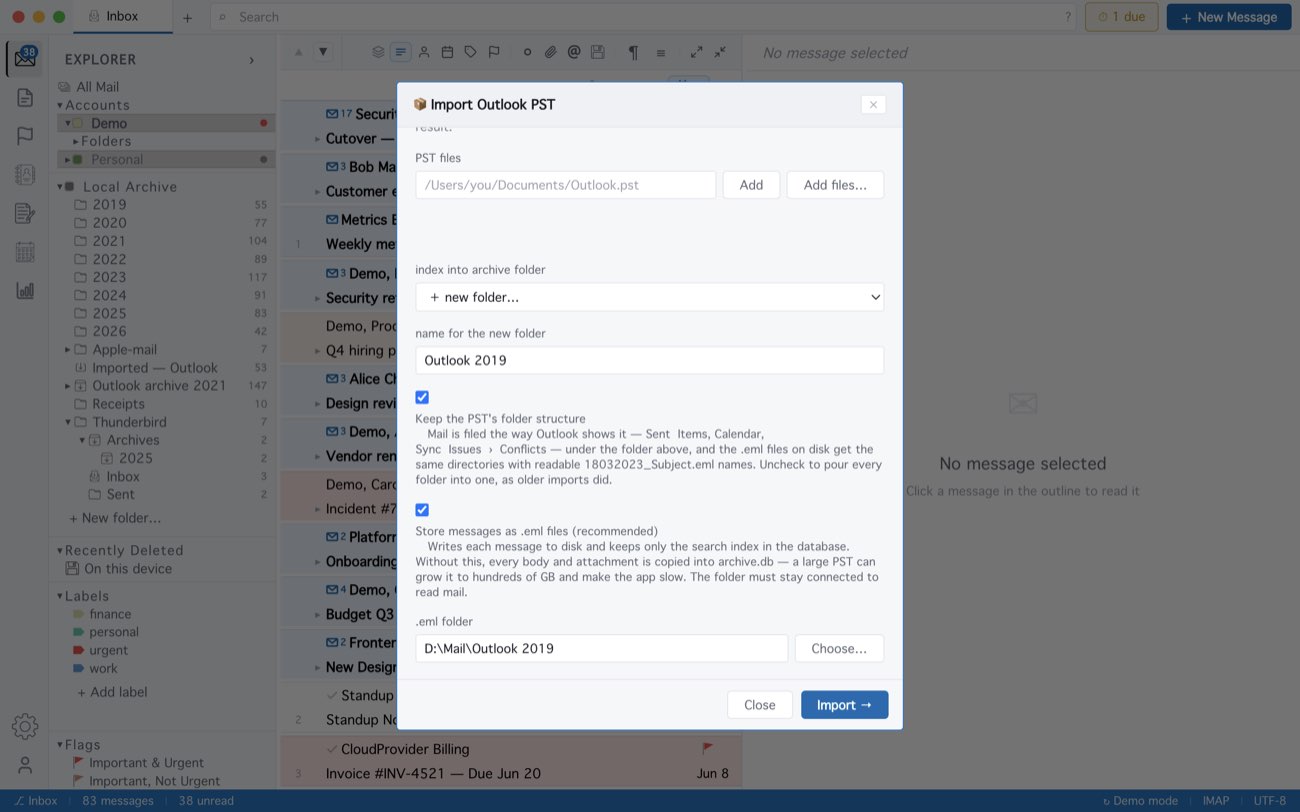
A folder with more than 4,000 messages is split into a folder per year, so Explorer can open it. The search index stays in MailCode, which reads each message from its file — keep the folder connected. Two messages with the same date and subject get (2), (3). The Mac App Store version keeps these files inside its own storage, so to hand .eml files to another app there, select messages and use Save N as EML….
MailCode is a mail client for Mac and Windows that keeps your mail in a searchable archive on your own disk. Free for 14 days.
Mac App Store Download for Windows