 MailCode
Years of mail, on your own disk.
MailCode
Years of mail, on your own disk.
MailCode
Years of mail, on your own disk.
MailCode
Years of mail, on your own disk.
Tips › Compose
Some things are quicker drawn than described: a layout, a process, where the door goes. MailCode has a sketchpad in the composer — shapes, arrows, flowchart blocks and dimension lines to a scale you set — and the drawing goes into the mail as one picture.
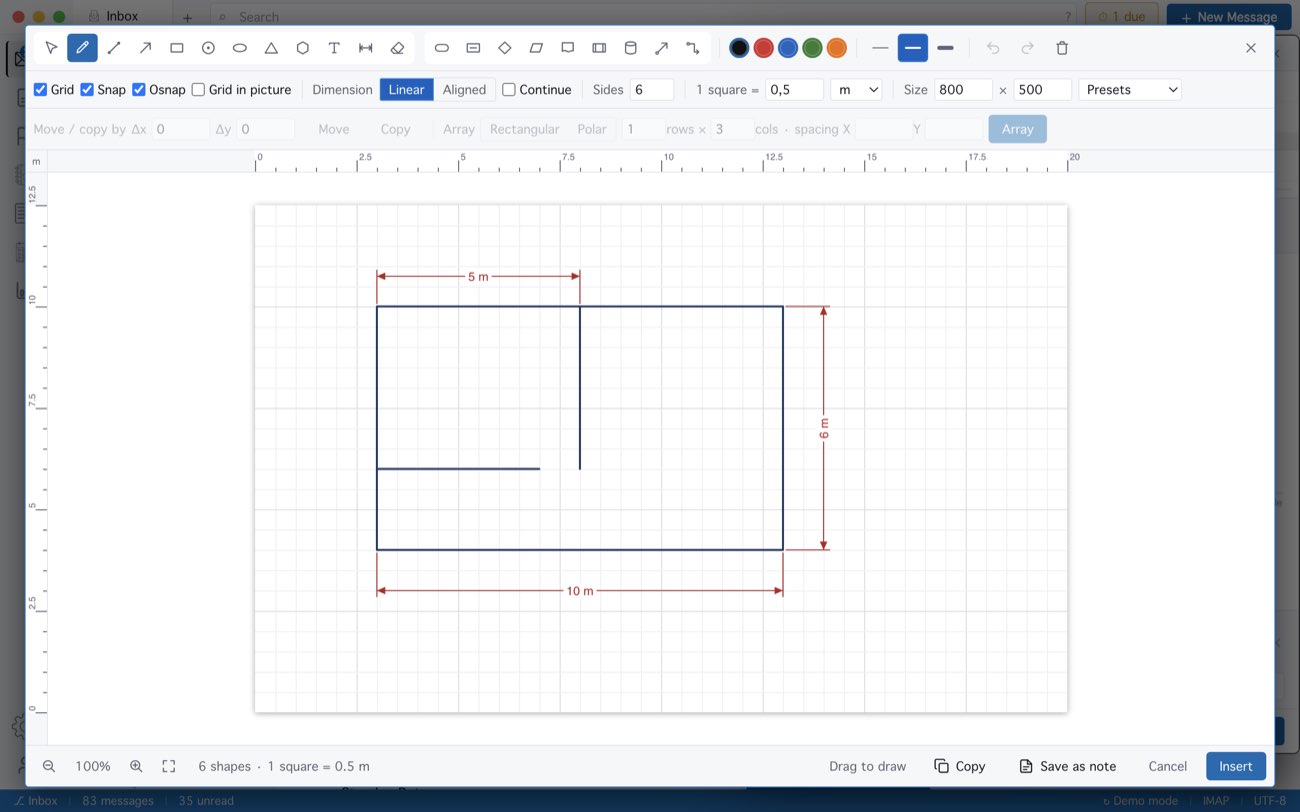
Save as note keeps the drawing in Notes with every shape still editable, and Copy puts it on the clipboard for any other app. Escape never closes the pad by accident; Cancel asks first.
MailCode is a mail client for Mac and Windows that keeps your mail in a searchable archive on your own disk. Free for 14 days.
Mac App Store Download for Windows