 MailCode
Years of mail, on your own disk.
MailCode
Years of mail, on your own disk.
MailCode
Years of mail, on your own disk.
MailCode
Years of mail, on your own disk.
Tips › Storage
A mail archive grows with every attachment it keeps. MailCode shows what its archive takes, gives back space left behind by deleted mail, and lets you choose how much it keeps from here on.
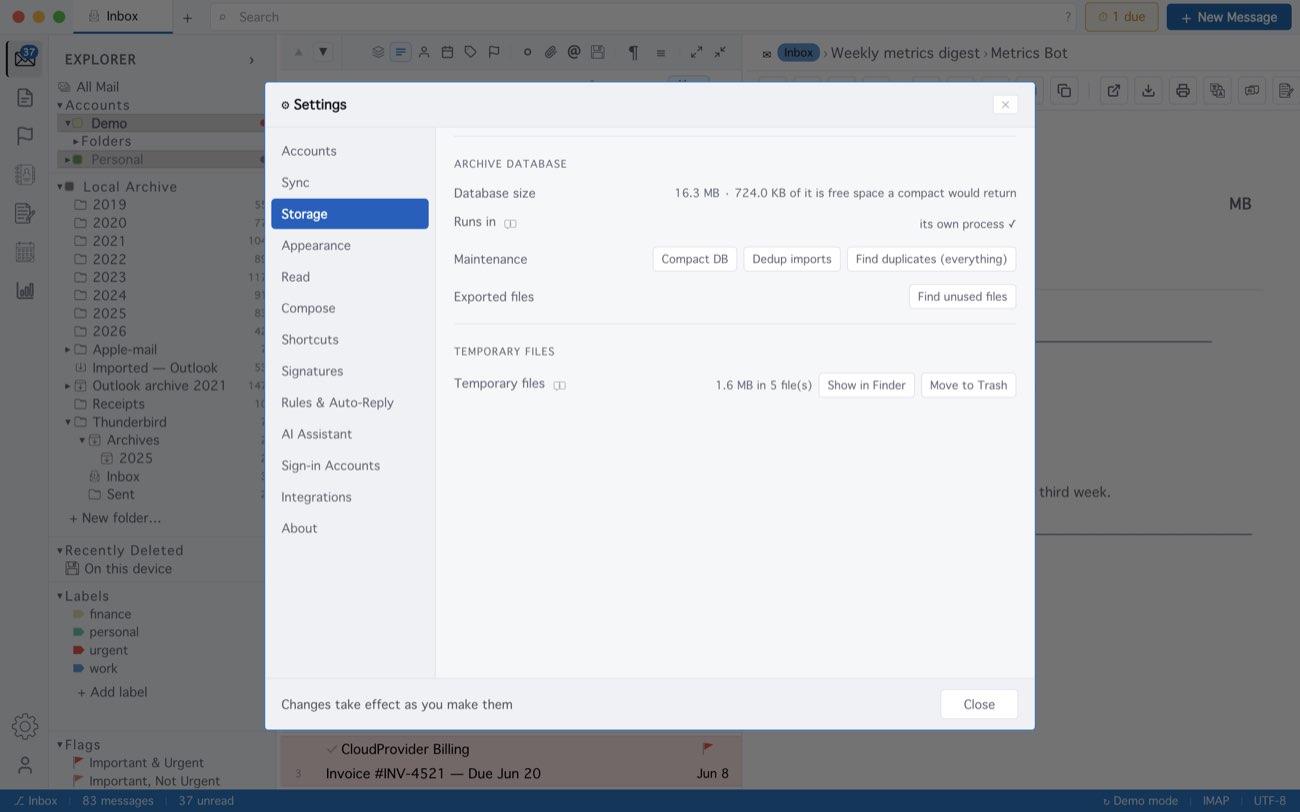
Compacting can only give back free space — attachments and message bodies are what an archive is, and they stay. Removing an account you no longer use deletes its mail from this computer, leaving the server alone. On Windows, older years can be moved out of the database into .eml files: right-click an archive folder ▸ Export … stored to .eml files….
MailCode is a mail client for Mac and Windows that keeps your mail in a searchable archive on your own disk. Free for 14 days.
Mac App Store Download for Windows