 MailCode
Years of mail, on your own disk.
MailCode
Years of mail, on your own disk.
MailCode
Years of mail, on your own disk.
MailCode
Years of mail, on your own disk.
Tips › Accounts
Gmail refuses your Google password in every mail app but its own, and app passwords need 2-Step Verification and a page most people never find. MailCode signs in with Google instead: no app password, and Google Calendar comes with the account.
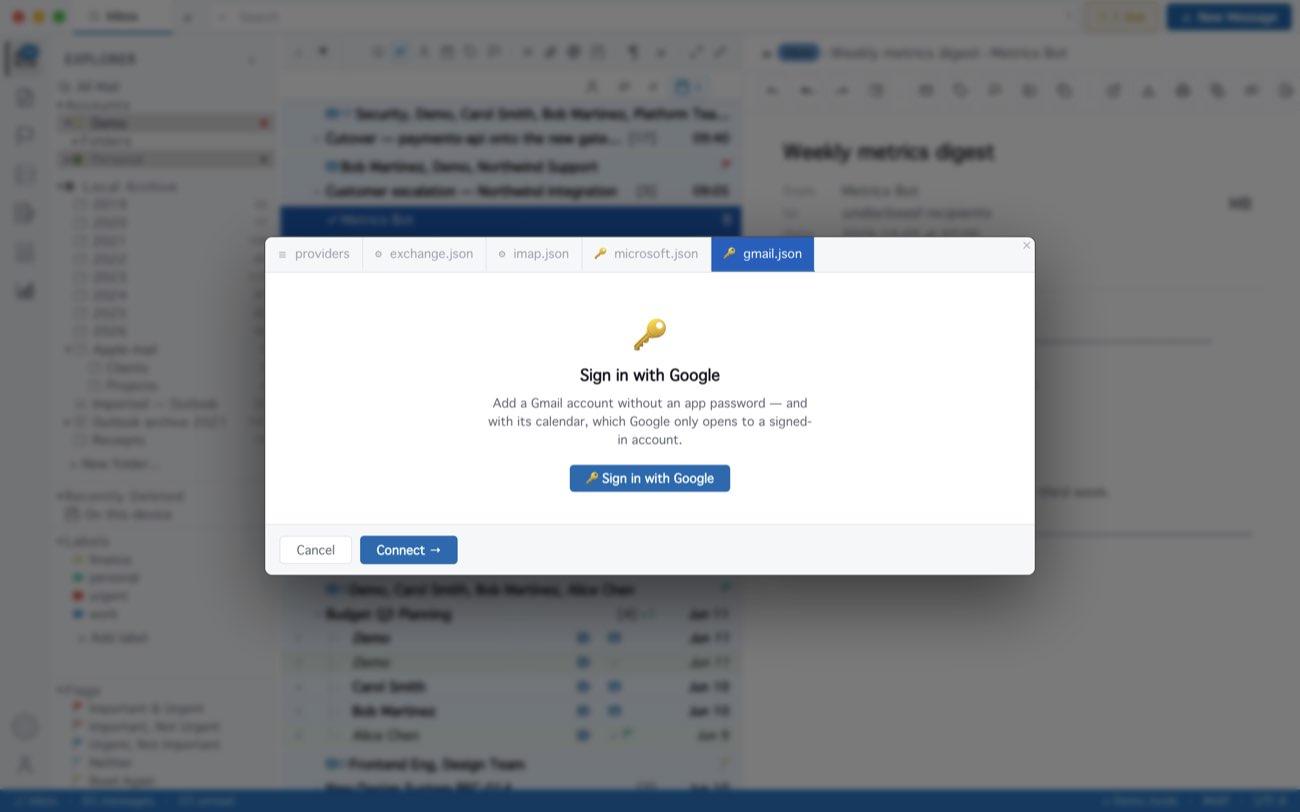
MailCode never sees your Google password; Google gives it a token for your mail and calendar, kept in your computer’s keychain. If you would rather use an app password, add the account under IMAP / SMTP — but Google lets an app password reach mail only, not the calendar. A Google Workspace account may need its administrator to allow the sign-in.
MailCode is a mail client for Mac and Windows that keeps your mail in a searchable archive on your own disk. Free for 14 days.
Mac App Store Download for Windows