 MailCode
Years of mail, on your own disk.
MailCode
Years of mail, on your own disk.
MailCode
Years of mail, on your own disk.
MailCode
Years of mail, on your own disk.
Tips › Import
Thunderbird keeps each folder as one mailbox file. MailCode reads them where they are — subfolders and all — and files each into its local archive as a folder of its own, searchable with the rest of your mail.
Mail, IMAP
accounts under ImapMail.Mail/Local Folders, say, or one account under ImapMail.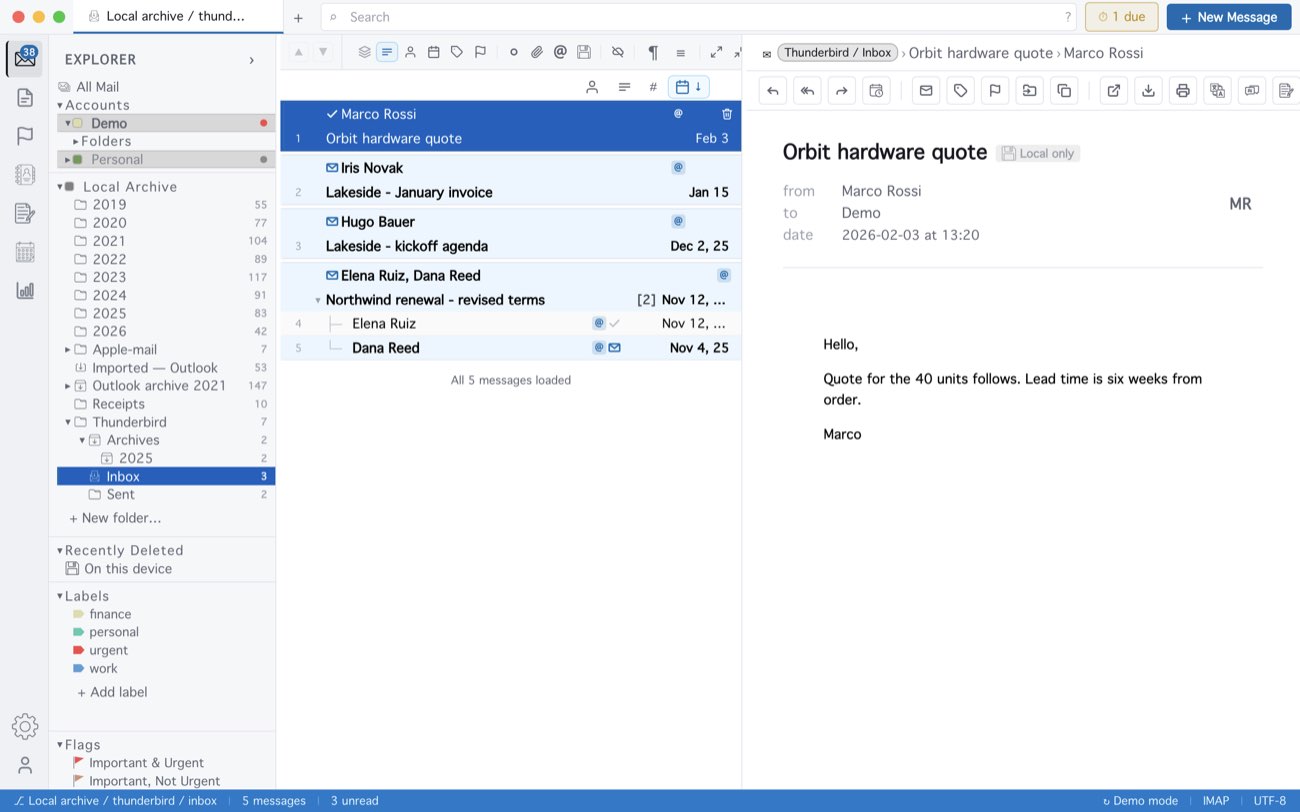
An IMAP account’s files hold only what Thunderbird had downloaded for offline use. A message that is in two mailboxes, like Gmail’s Inbox and All Mail, is kept once. Mail already in the archive is skipped, so the import can be run again. In MailCode 1.14.0 importing needs a mail account added first; the next update imports without one.
MailCode is a mail client for Mac and Windows that keeps your mail in a searchable archive on your own disk. Free for 14 days.
Mac App Store Download for Windows