 MailCode
Years of mail, on your own disk.
MailCode
Years of mail, on your own disk.
MailCode
Years of mail, on your own disk.
MailCode
Years of mail, on your own disk.
Tips › Reading
Printing a long thread to keep one paragraph wastes pages, and most mail apps print all of it. Select the part you want and MailCode prints that — with the sender, date and subject above it, so the page still says where it came from.
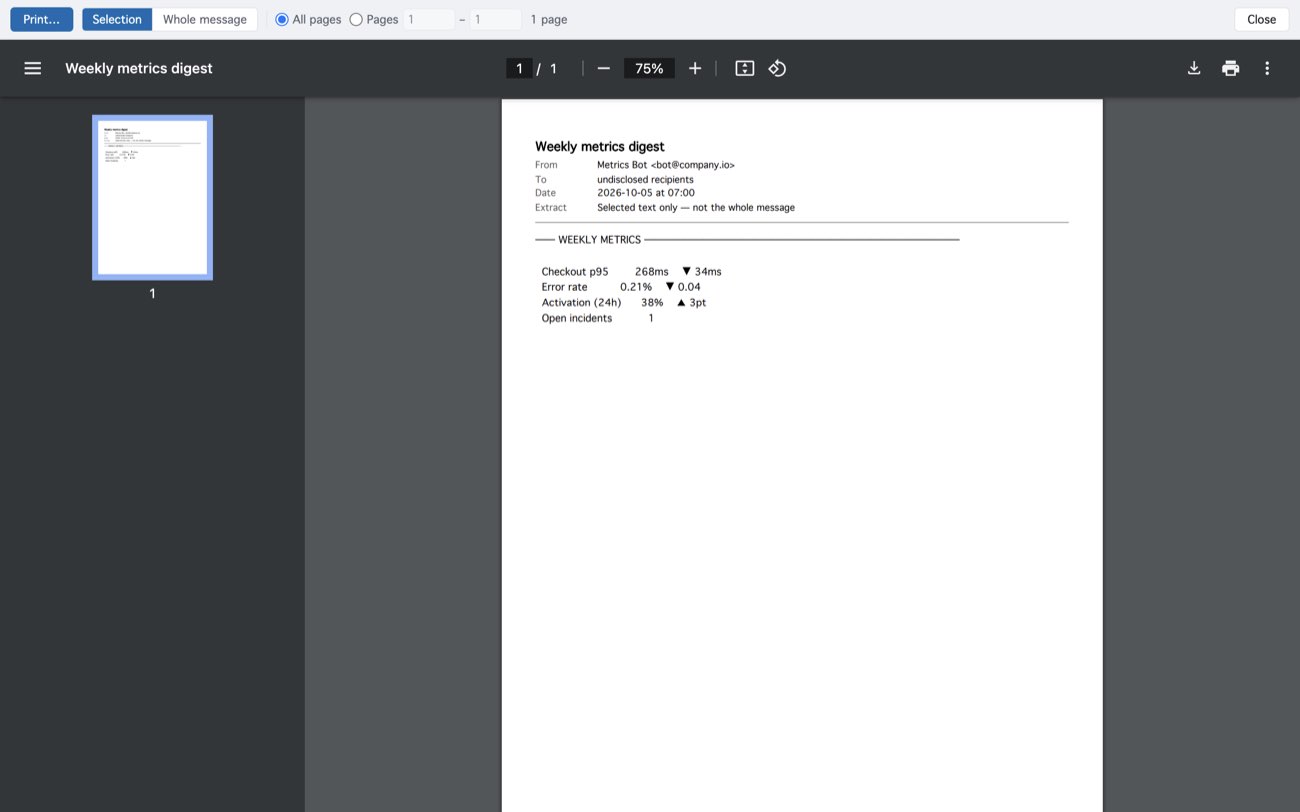
The selection is printed under the message’s header, with a line that says it is an extract — a printout never passes for the whole mail. With nothing selected, the preview offers the whole message.
MailCode is a mail client for Mac and Windows that keeps your mail in a searchable archive on your own disk. Free for 14 days.
Mac App Store Download for Windows