 MailCode
Years of mail, on your own disk.
MailCode
Years of mail, on your own disk.
MailCode
Years of mail, on your own disk.
MailCode
Years of mail, on your own disk.
Tips › Compose
Answering point by point inside someone’s mail is the clearest reply there is — if they can tell your words from theirs. MailCode marks everything you type inside the quote with your initials and your colour, as you type.
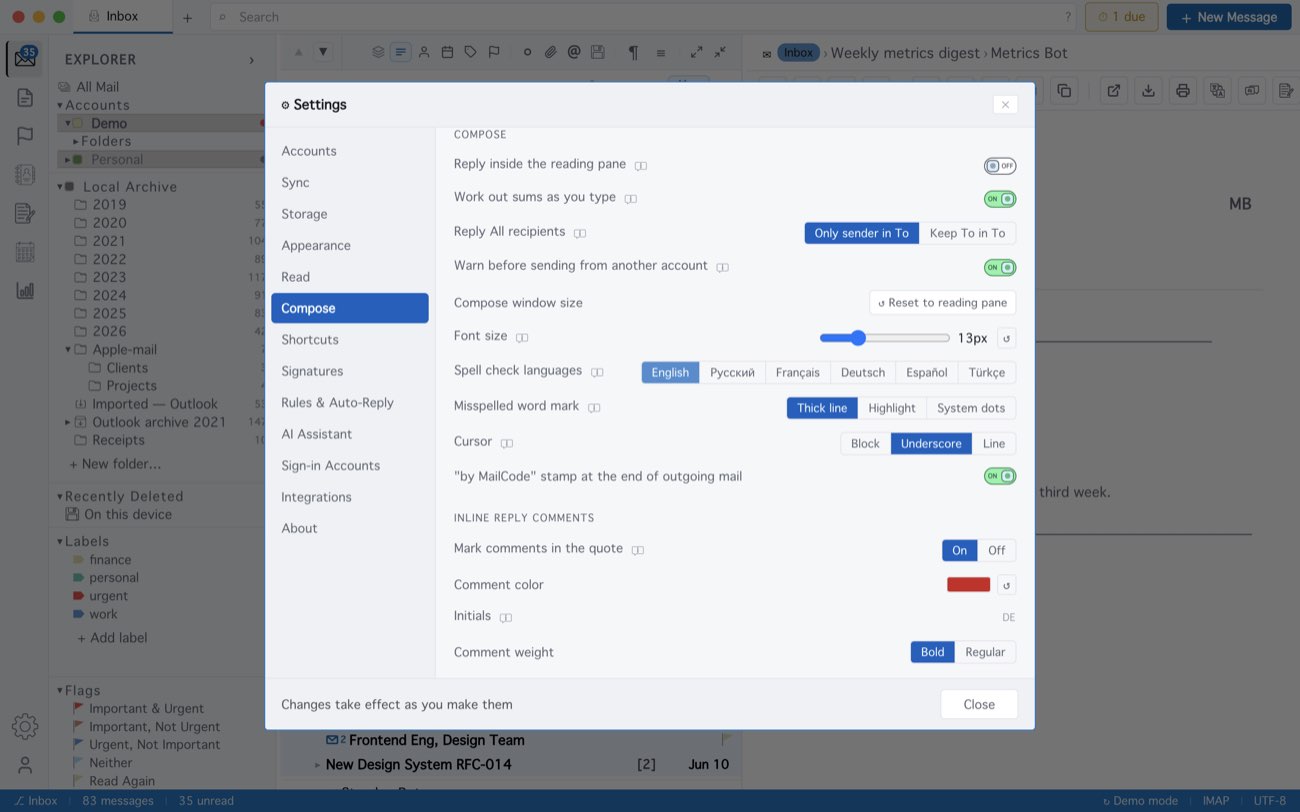
Marks are a note to yourself — drawn on this computer only, never sent. When you reply quoting the whole message, the quote shows them, so each point can be answered where it stands. In a reply to a plain-text mail the comment carries your initials but no colour, since plain text has none.
MailCode is a mail client for Mac and Windows that keeps your mail in a searchable archive on your own disk. Free for 14 days.
Mac App Store Download for Windows