 MailCode
Years of mail, on your own disk.
MailCode
Years of mail, on your own disk.
MailCode
Years of mail, on your own disk.
MailCode
Years of mail, on your own disk.
Tips › Compose
A reply drops the attachments and a forward keeps them, and most mail apps give you no other way round. Both are wrong often enough: “here it is again, signed” needs the file, and passing a thread along rarely needs eight megabytes of spreadsheets. In MailCode the other choice is one right-click away.
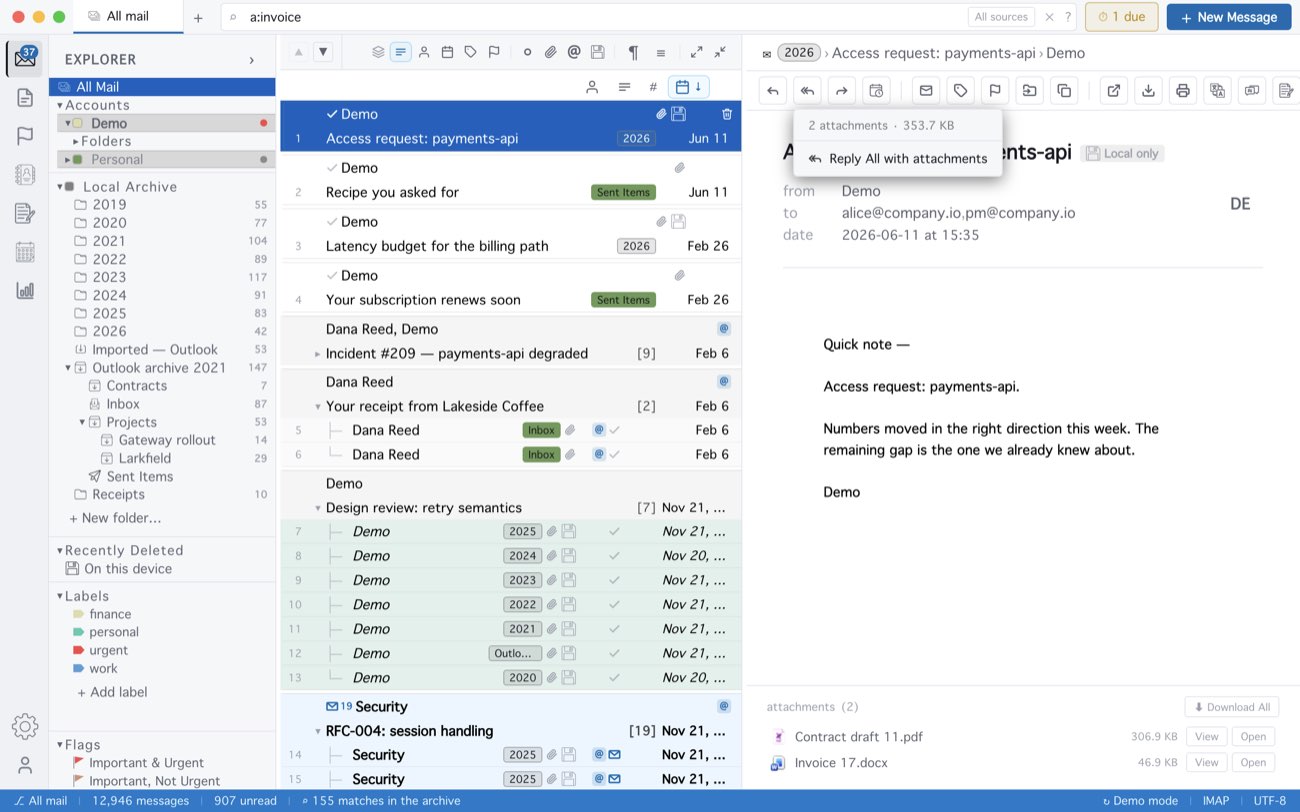
On a message with no attachments the menu says No attachments and its item is
greyed out. The same right-click works on a message opened in its own window, on an
.eml or .msg opened from Finder, and in the Flags view. A plain
click on Reply or Forward does what it always did.
MailCode is a mail client for Mac and Windows that keeps your mail in a searchable archive on your own disk. Free for 14 days.
Mac App Store Download for Windows