 MailCode
Years of mail, on your own disk.
MailCode
Years of mail, on your own disk.
MailCode
Years of mail, on your own disk.
MailCode
Years of mail, on your own disk.
Tips › Storage
Gmail, iCloud and other IMAP servers have no undo once Trash is emptied. MailCode keeps its own copy of mail it deletes for good — body and attachments — for 30 days, so you can still open it, search it, and keep it.
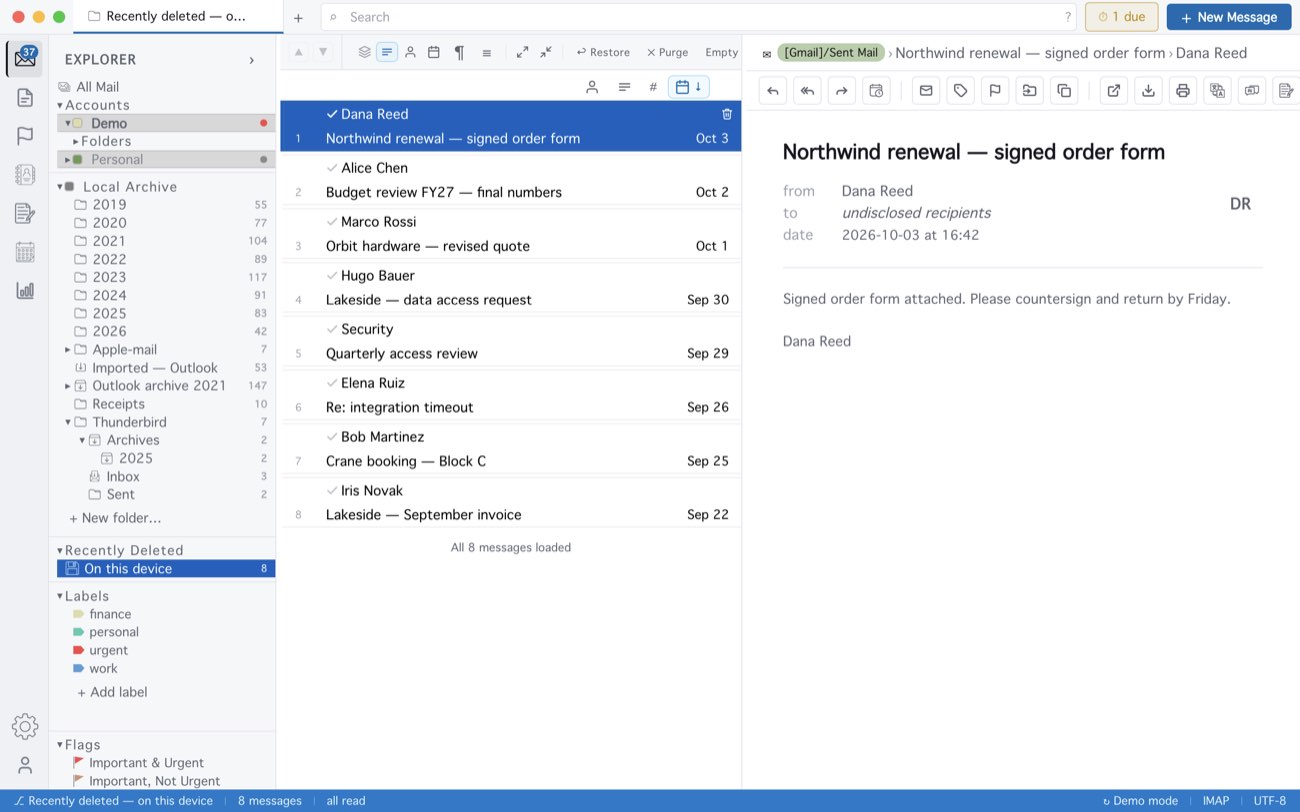
MailCode keeps a copy when a delete removes mail from the server for good — a second click on a message’s bin icon, or deleting mail from the local archive. An ordinary delete moves mail to the server’s Trash, which is still there to open. A restored message lives on this computer; it is not put back on the mail server. The bin holds 30 days or 2 GB, whichever comes first.
MailCode is a mail client for Mac and Windows that keeps your mail in a searchable archive on your own disk. Free for 14 days.
Mac App Store Download for Windows