 MailCode
Years of mail, on your own disk.
MailCode
Years of mail, on your own disk.
MailCode
Years of mail, on your own disk.
MailCode
Years of mail, on your own disk.
Tips › Calendar
Most mail apps can only send a real meeting invitation from Exchange. MailCode sends one from Gmail, iCloud, Fastmail or any account with a calendar: the meeting goes into your calendar, and everyone invited gets an invitation they can accept in their own.
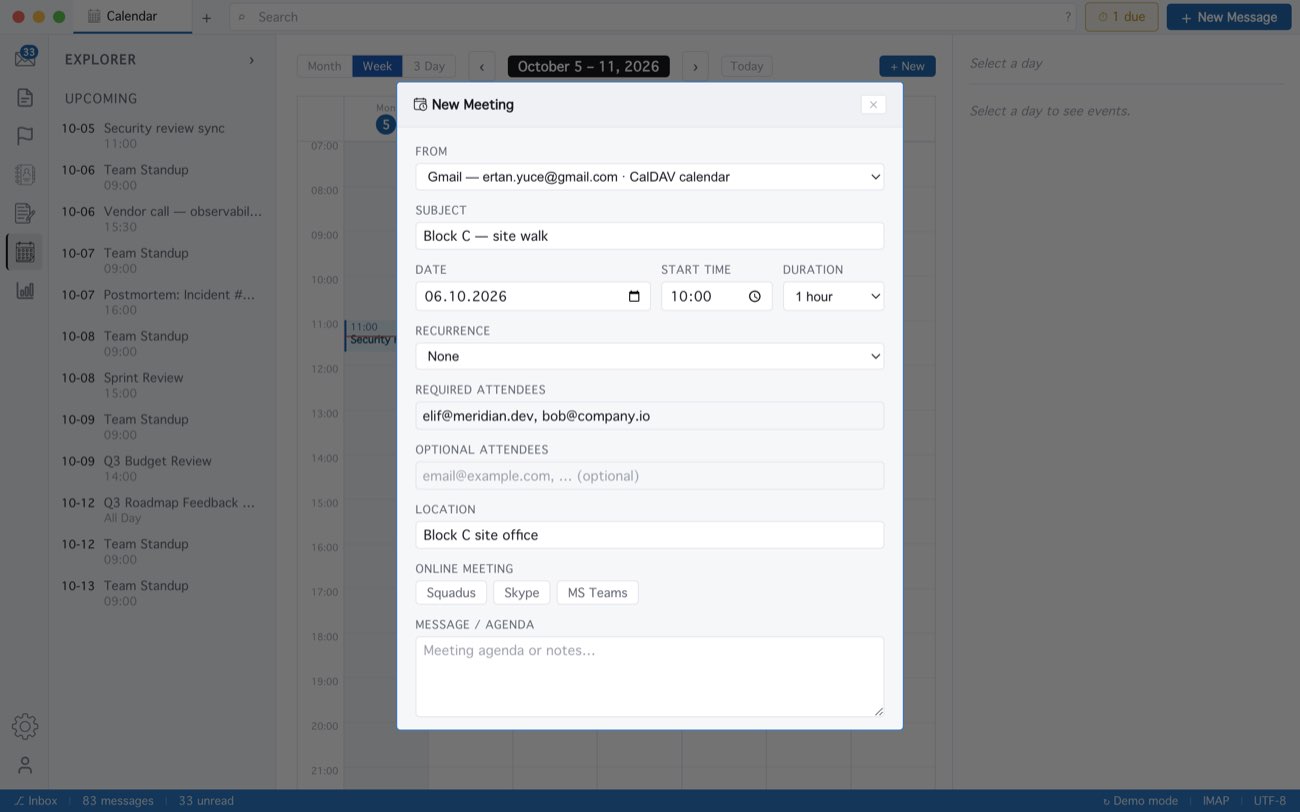
Invitees get an ordinary calendar invitation by mail — Outlook, Gmail and Apple Calendar all show Accept and Decline — and their answers come back to you by mail. Dragging the meeting to a new time later mails everyone the change. Meeting reminders are still Exchange-only.
MailCode is a mail client for Mac and Windows that keeps your mail in a searchable archive on your own disk. Free for 14 days.
Mac App Store Download for Windows